Transform your salon in 2024 with these two new features 🚀.
The beginning of the year means a new start with good intentions. At Aimy, we want to make this start even more special with two powerful new features: the blacklist and subscriptions. Read on to discover the benefits of these features for your salon.
Blacklist
You know those clients who repeatedly arrive late, make excuses about payments or don't even show up at all? With Aimy's blacklist feature, you maintain control of your salon. Easy to set up and manage, the blacklist allows you to exclude unwanted clients and deny them the ability to book appointments.
How do I blacklist a customer?
This can be done in two ways:
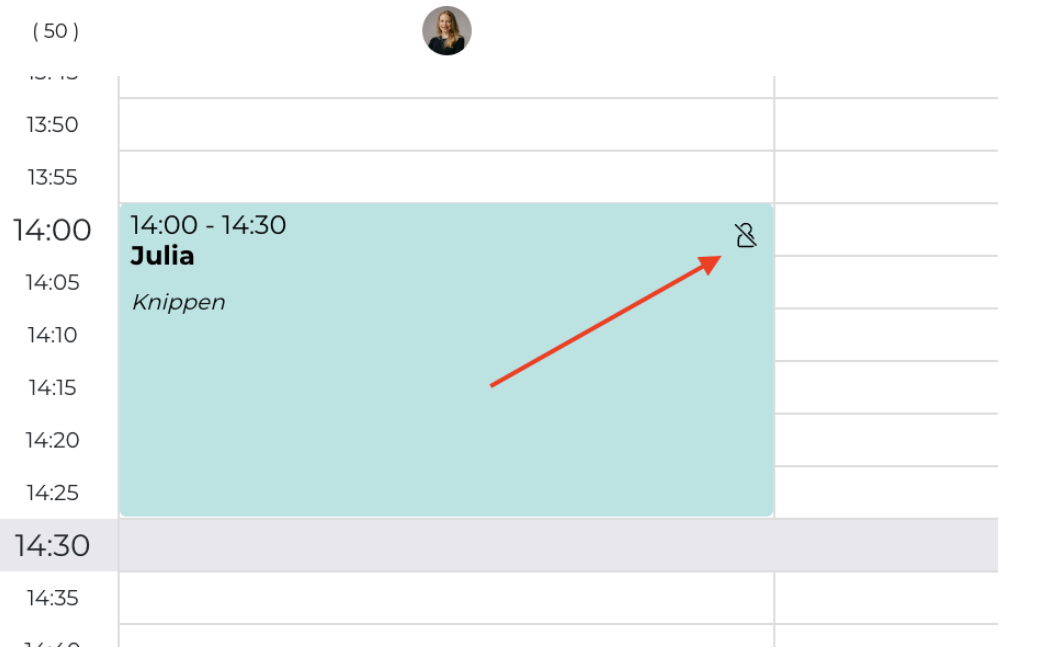
1. Click on the appointment in the calendar and check the "Blacklist" button.
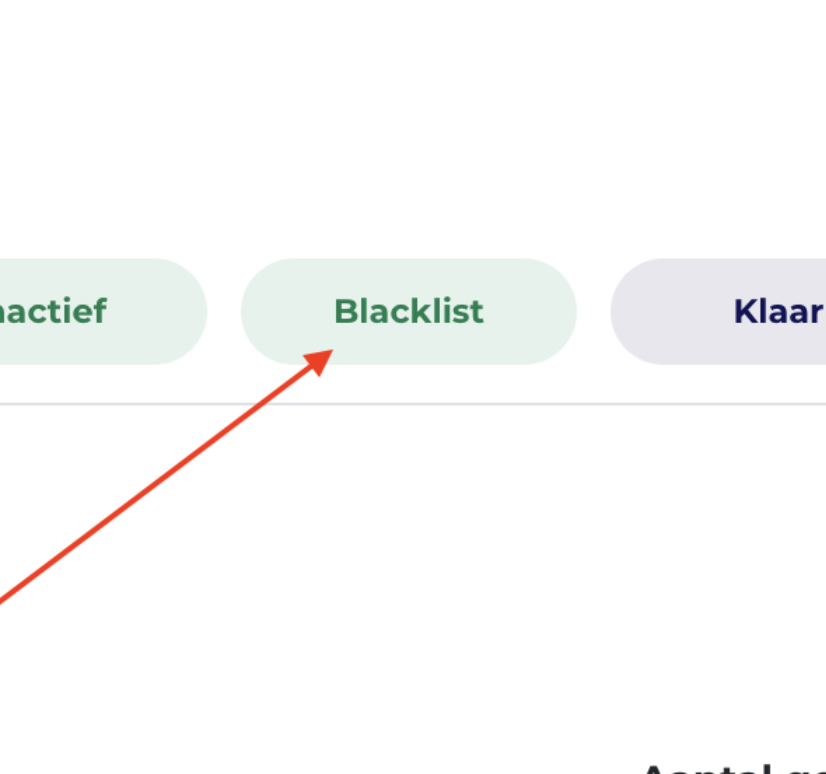
2. Go to Customers > Customers, make a selection and click on "Blacklist" in the upper right corner.
When a customer is blacklisted, they will not receive a notification. However, they will receive a notification that it is not possible to schedule an appointment and must contact the salon.
Read more about the blacklist feature here.
Subscriptions
The use of subscriptions has been growing rapidly in recent years. This is not very surprising, because for many business owners, using subscriptions is a powerful service that brings many benefits. For you as a salon owner, subscriptions can provide a constant and predictable revenue stream, making it easier to achieve more stability within your business.
And for a satisfied client who has just dyed her hair and who you know she'd like to keep it beautiful, offering a color subscription is a smart move. This ties clients to your salon longer, but also offers the client structure, convenience of pre-scheduled appointments AND a nice discount as well.
Where can I create a subscription?
- Go to Settings > Checkout > Subscriptions tab. Click " + Add Subscription" and enter the necessary information.
Subscriptions can be sold through the cash register by creating a new invoice.
How do you create the subscriptions?
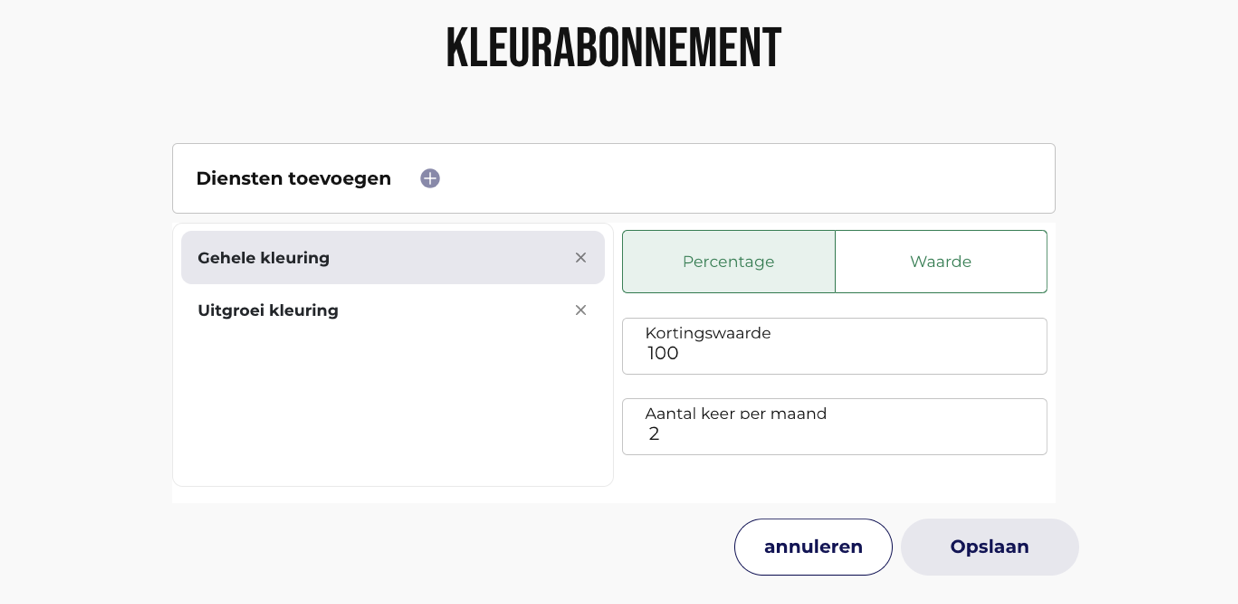
Creating a subscription can be easily done by going to Settings > Checkout > Subscriptions tab. Then click " + Add Subscription" and fill in the following fields and click the save icon:
- Subscription name
- Price
- VAT
- Frequency months (number of collection times)
You can also set up a subscription to automatically discount certain services at checkout. After the customer's first payment, the customer agrees to the terms of the subscription, and the subscription will be activated! Your first subscription is then sold 😊
Want to read more about subscriptions? Then click here.